
Employee Management for Schools
Employee Management in eSchool ERP streamlines the employee management process with teachers and staff from all departments, roles & designations.
Employee Management in eSchool ERP streamlines the employee management process with teachers and staff from all departments, roles & designations.

Employee Management in eSchool ERP streamlines the employee management process with teachers and staff from all departments, roles & designations. With advanced capabilities such as staff directories, attendance management, leave approvals, and role-based access controls, schools can make HR processes easier and more efficient while running better administrative tasks every day.
Add & manage employees at departments, Wings, Designations & Roles.
Keep a categorized and searchable staff directory.
Keep a record of the time and date of staff attendance.
Apply for, approve, or reject leaves on various levels.
Giving staff logins, allowing permissions, or deactivating accounts.
Get a snapshot view of all employees, attendance, and leave with reports.
Employee Management Module take care of all HR functions of the school in a digital manner. Everything is in one place – from staff joining to attendance, leaves, and permissions. It saves time, lowers mistakes, and helps schools create a more organized workforce.
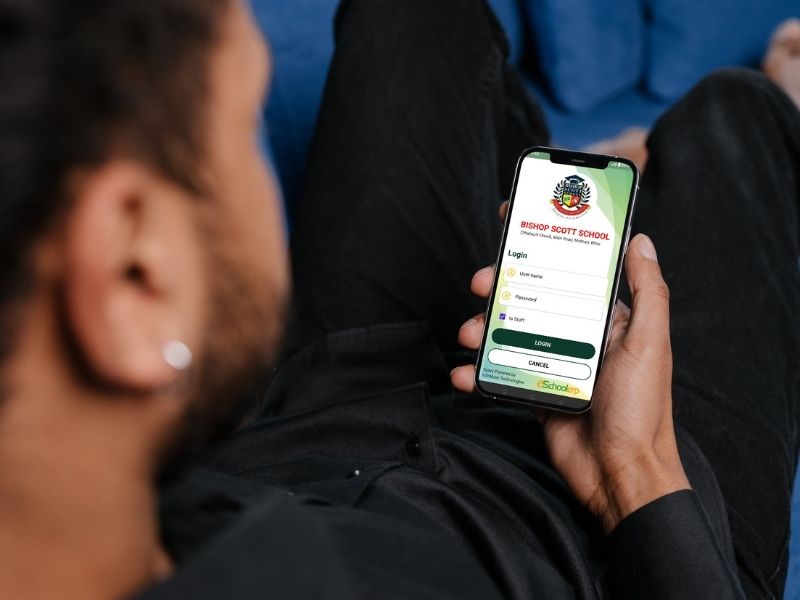
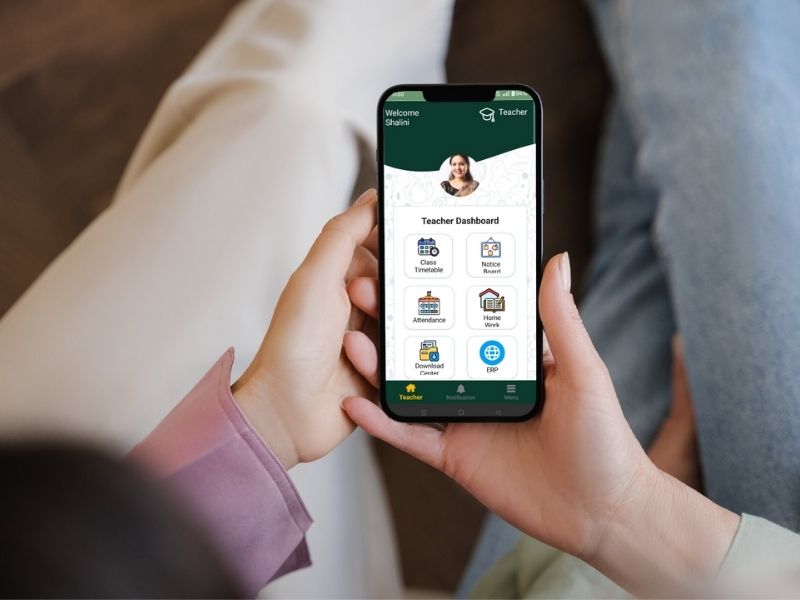
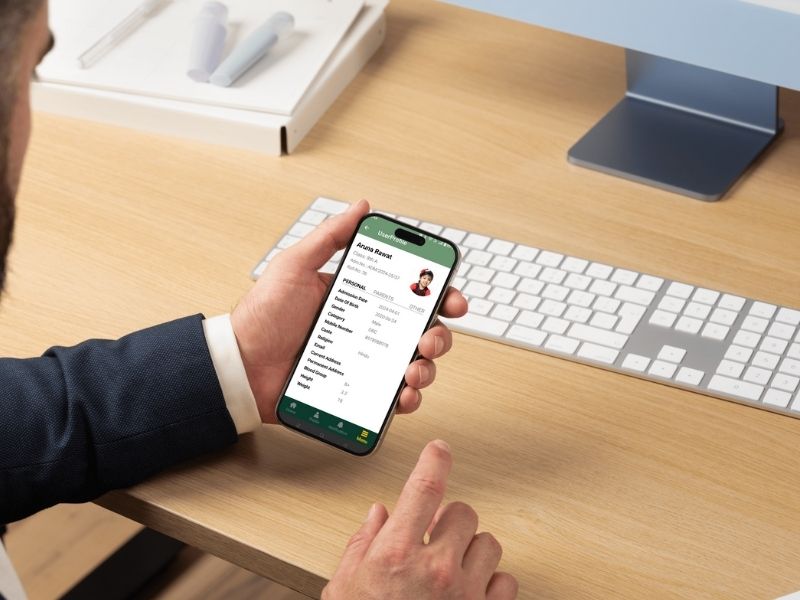
Manage your school staff in an easy way with eSchool ERP using the employee-management module. You can manage staff details such as: add, edit, and delete staff details, create categories of staff like teaching and non-teaching, and view all staff details easily. Managing employees is very easy now. The eSchool app has this employee-management feature. Add, edit, or delete employee data in the database easily now! Upload the employee’s image by clicking on the camera button. Login users can use Phone Number and password to log in to eSchool ERP.
Explore Employee Management →

Infomuse specializes in IT services, consulting, and business solutions. With seamless integration and exceptional customer experiences, we add value to every facet of your business.