
Inventory Management For Schools
The eSchool ERP Inventory Management module ensures hassle-free management of School assets, consumables, and other supplies transparently.
The eSchool ERP Inventory Management module ensures hassle-free management of School assets, consumables, and other supplies transparently.
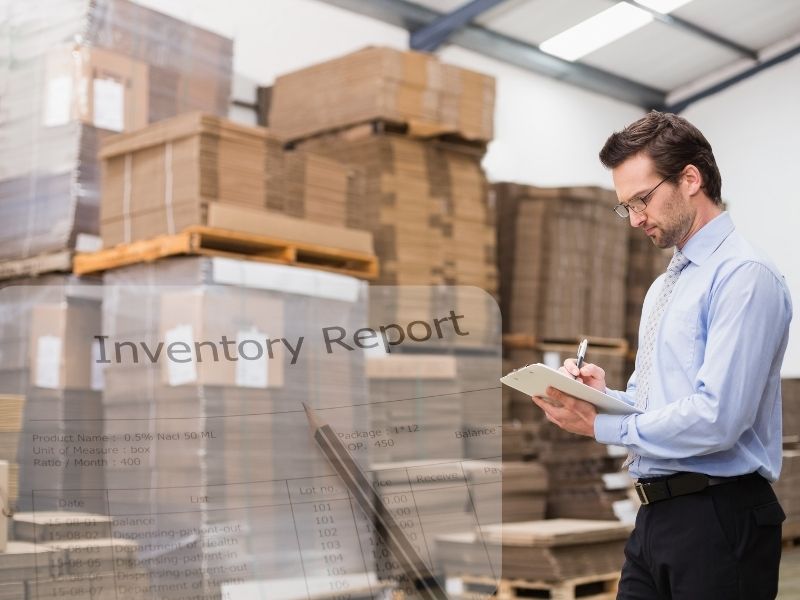
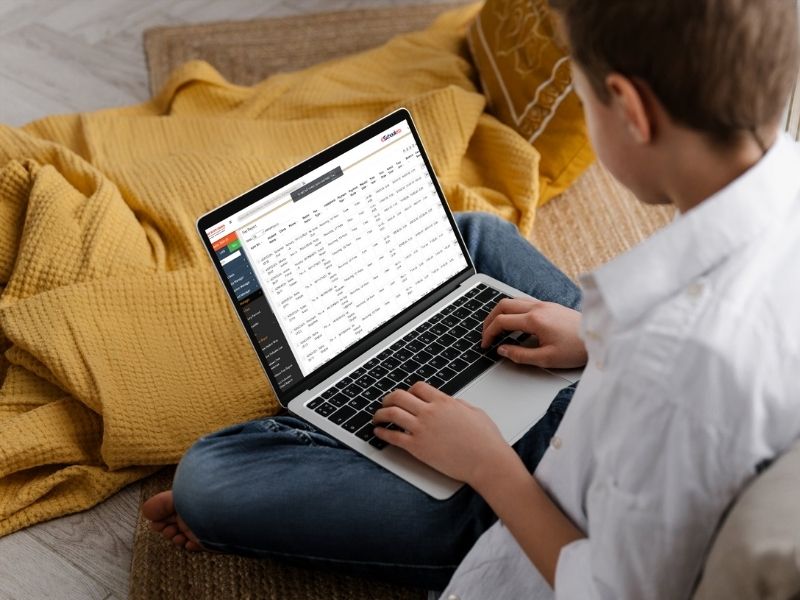
The eSchool ERP Inventory Management module ensures hassle-free management of School assets, consumables & other supplies. With powerful master management, stock entries, issue tracking, purchase, and so on, schools can be transparent about their utilization; also, the system removes manual effort in managing, saving time, and generating real-time reports, which are helpful for both the administration and the finance team.
Customers, suppliers, item categories, subcategories, item master, store location, and UoM.
Setup and manage the initial/opening level of stock smoothly.
Account for and keep track of purchase items like books, uniforms, lab equipment, sports items, etc.
Add stock, transfer between stores, and keep real-time quantity updates.
Allot items to departments, teachers, or students along with a digital issue slip.
Handle sales of uniforms, books, and other essential school materials efficiently.
Track and bill for consumable usage such as chalk, lab chemicals, or art supplies.
Track your non-consumable products like furniture, projectors, and computers.
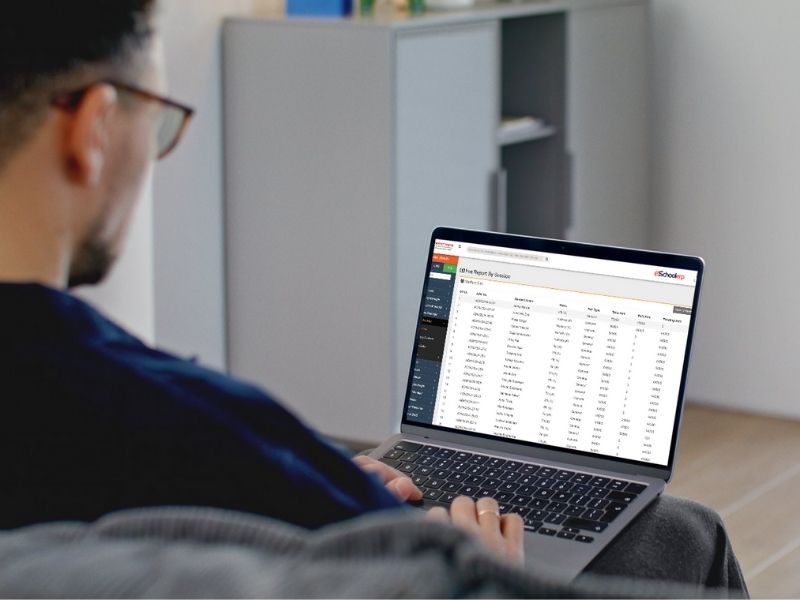
Stock balance, purchase history, issue records, and consumption patterns to plan properly.
eSchool ERP makes inventory management organized and free from errors. Whether it's uniform distribution or lab equipment tracking, the system delivers transparency, efficiency, and precise reporting. Our technology helps schools plan better and save money so that resources can be readily accessible to students and staff.
Digitalize your school inventory with inventory management in eSchool ERP to avoid losses and increase efficiency.
Explore Inventory Management →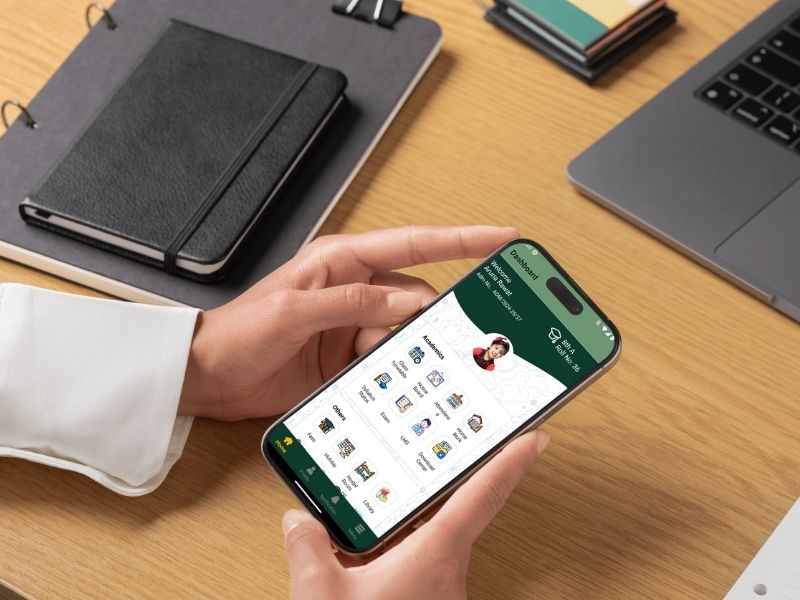
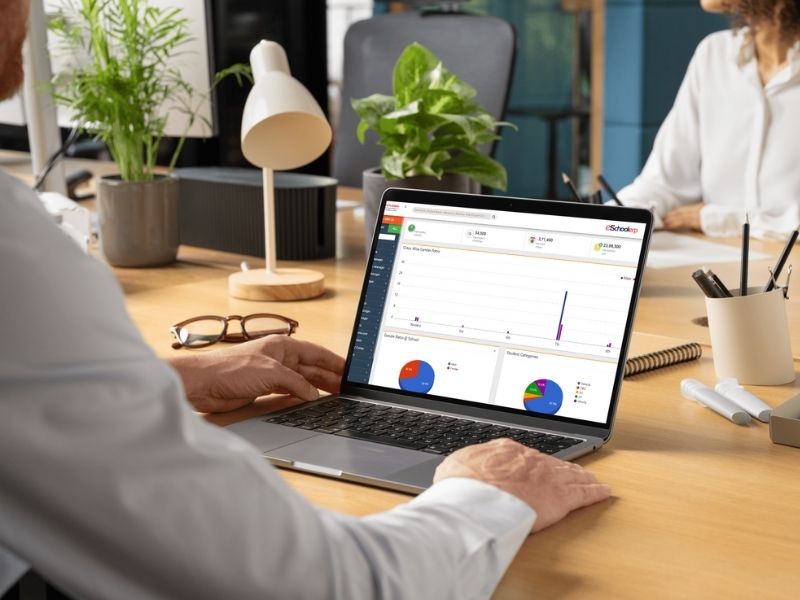

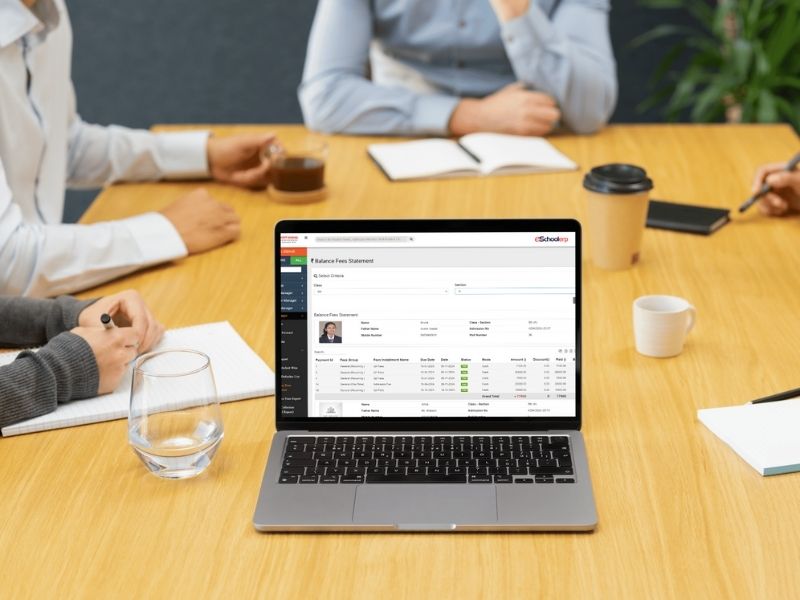


Infomuse specializes in IT services, consulting, and business solutions. With seamless integration and exceptional customer experiences, we add value to every facet of your business.